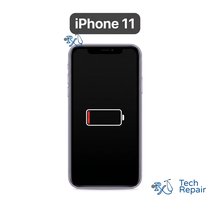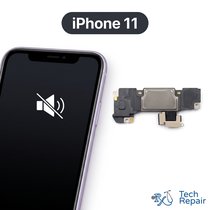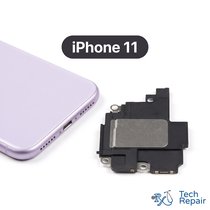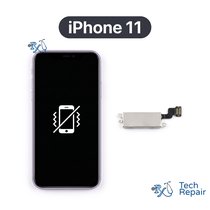


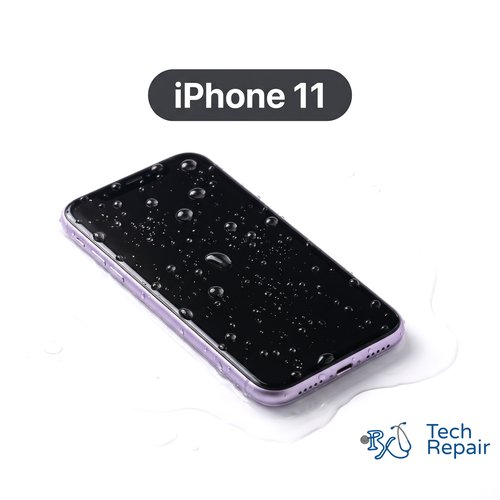
iPhone 11 Water Damage Repair
Model Numbers: A2111, A2221, A2223
Turnaround: Usually 4-5 hours, same day in Mission Viejo, CA • same day as arrival for mail-in
Availability: Same-day service, no charge if we can't fix it
You only pay if we get it working. Call, text or book a time and bring your phone in as soon as you can. Turn it off and don't charge it.
Call (949) 903-6452 Text usiPhone 11 Water Damage Repair Description
If your iPhone 11 got wet and won't turn on, won't charge, or acts strangely, turn it off and don't charge it, and bring it in as soon as you can. We open the phone, disconnect the battery, take the logic board out and clean it in an ultrasonic bath with isopropyl alcohol to remove corrosion, then dry and test it. You only pay the $189 if we get your phone working; if we can't, there is no charge. Sometimes a part such as the screen or battery is damaged too; we tell you the price before replacing anything.
Symptoms this repair should fix:
- Phone got wet and won't turn on
- Won't charge after getting wet
- Screen flickers, has spots, or touch acts up after a spill
- Speakers or microphones sound muffled after water damage
Mail-in from anywhere in the US
Call or text us first, then ship your iPhone 11 to us. We clean and test it the day it arrives and call you with the result. You only pay if we get it working.
Get your iPhone 11 repaired in Orange County, CA!
Turnaround for this repair is usually 4-5 hours, same day. Feel free to come to our storefront in Mission Viejo if you are close by. An appointment is recommended.
Let our experienced technicians fix your device.
Our technicians have done over 30,000 phone and tablet repairs, so your iPhone 11 is in good hands.
Find Out Which iPhone You Have
The Apple iPhone 11 came out in 2019. The iPhone 11 models look very much alike, so check your model before you buy a repair. The iPhone 11 model numbers are A2111, A2221, A2223.
Option 1: Check in Settings
If your phone still turns on and the screen works, open Settings > General > About. The model name (for example "iPhone 11") is listed there. Tap Model Number to see the A-number.
Option 2: Phone won't turn on?
The model number is engraved inside the SIM tray slot on some models, and the model name is on the original box and in your Apple or carrier order. You can also bring the phone to our shop and we'll identify it for you.
Other iPhone 11 models:
iPhone 11 Pro Max (2019): A2161, A2218, A2220
iPhone 11 Pro (2019): A2160, A2215, A2217
If your phone isn't a iPhone 11, find it on our iPhone repair page. Still not sure? Call or text us at (949) 903-6452 and we'll help you figure it out.
iPhone 11 Water Damage Repair FAQ
How much does a iPhone 11 Water Damage Repair cost?
The iPhone 11 Water Damage Repair at RxTech Repair is $189, and you only pay it if we get your phone working. If we can't, there is no charge.
How long does a iPhone 11 Water Damage Repair take?
Usually 4-5 hours, same day, at our Mission Viejo, CA shop. Mail-in repairs are done the same day your phone arrives.
Can I mail in my iPhone 11 for repair?
Yes. Call or text us first, then ship your iPhone 11 to RxTech Repair from anywhere in the US using USPS, UPS or FedEx. We clean and test it the day it arrives and call you with the result. You only pay if we get it working.
What does the iPhone 11 Water Damage Repair fix?
It cleans the corrosion off your iPhone 11's logic board to get the phone working again. You only pay if the repair works.
Will I lose my data?
We don't erase your phone, and if we get it working your data is usually still there. Water damage can affect storage, so a recent iCloud backup is the safest way to protect your photos.
Which iPhone models does this repair work on?
This repair is for the Apple iPhone 11 (2019), model numbers A2111, A2221, A2223. To check yours, open Settings > General > About; the model name is listed there, and tapping the Model Number shows the A-number.