



MacBook Pro Repairs
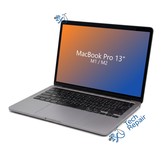
Cracked screen, a worn battery, sticky keys or a MacBook Pro that won't charge? We repair MacBook Pro laptops at our Mission Viejo shop and by mail-in from anywhere in the US. Pick your model below for upfront prices.
- Find your model: Choose Apple menu > About This Mac. If it won't turn on, the model number is printed on the bottom case.
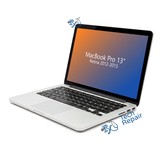
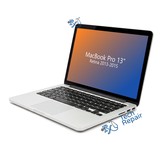
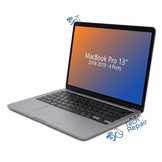
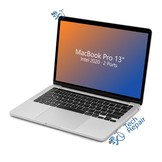
- Two ports or four? Many 2016-2020 13-inch models came with two or four USB-C ports, and they use different parts, so count them before you pick a page.
- Other MacBook Pro models: We repair 15-inch and 16-inch models too. Call or text (949) 903-6452 with your model number for a quote.
- Service options: By appointment at our Mission Viejo shop, or nationwide mail-in repair from anywhere in the US.





MacBook Pro Repair FAQs
Which MacBook Pro do I have?
Choose Apple menu > About This Mac; the name and year are shown at the top. If the Mac won't turn on, the model number (for example A1425, A1502, A1706, A1708, A1989, A2159, A2251, A2289 or A2338) is printed in small text on the bottom case.
Do you repair older MacBook Pro models?
Yes. Every 13-inch MacBook Pro from the Late 2012 Retina to the M1 and M2 has its own page above, and the 2008-2012 13-inch, 15-inch and 17-inch models have their own page too. For a 15-inch or 16-inch model from 2013 on, call or text us at (949) 903-6452 with your model number for a quote.
Can I mail in my MacBook Pro?
Yes. Buy the repair on its page, ship your Mac to us from anywhere in the US, and we'll repair it and ship it back. Standard return shipping is free.
Will I lose my data?
Screen, battery, keyboard, port and case repairs don't touch your storage. We still recommend a Time Machine or iCloud backup before any repair.