

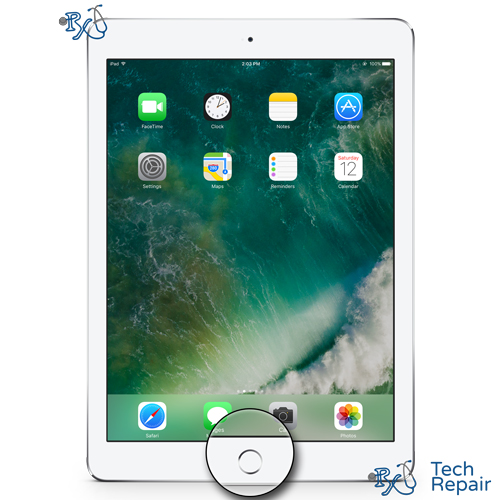
iPad 2018 Home Button Replacement
Model Numbers: A1893 or A1954
Availability: In Stock
iPad 2018 Home Button Replacement
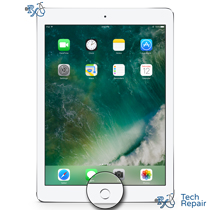
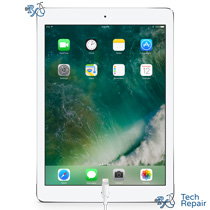
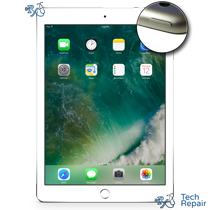
This repair will fix the Home Button on your iPad 2018, also known as the 6th Gen iPad. If your iPad 2018 home button isn't working and bringing you back to your home screen upon a click on your iOS device, a new home button should resolve this issue in most cases. If the button doesn't work, long pressing it will not bring up Siri or the opposite may also be true - it is always de-pressed and Siri continually comes up even when not wanted. Replacing the physical home button or the underlying ribbon cable should take care of your home button problems. However, replacing the home button will not restore Touch ID functions. Each Touch ID home button is specially made to paid with that logic board. Although the fingerprint part of Touch ID won't work, the navigation features will.
Ship your iPad repair in from anywhere in the US!
Simply buy the repair using a credit card or PayPal using the button above, ship your iPad to us, and we'll take care of the rest! Most devices get fixed the same day they arrive. We also cover return shipping to you for free. We ship your device back via standard shipping. If you need expedited 2-day return shipping, you have that option above.
Get a same day repair in Orange County, CA!
If you live in Orange County, CA you can come directly to our store and get a same day repair. Come by our Mission Viejo store, drop off your device and we'll fix it in 1-2 hours.
Let our experienced technicians fix your device.
Our technicians have done over 30,000 iOS device repairs so your iPad is in good hands.
Symptoms that a new iPad 2018 home button replacement would remedy:
- If your iPad 2018 home button no longer clicks upon press, then this is the right prescription.
- If only your iPad home button clicks but doesn't return you to your home page or launch voice control upon a press and hold or doesn't show you multitasking upon a double press, than this is the iPad repair you want.
Find Out Which iPad Model You Have
The iPad 2018 is also called the iPad (6th generation). It looks almost the same as several other iPads, so check the model number before you buy a repair. The iPad 2018 model numbers are A1893 (Wi-Fi) and A1954 (Wi-Fi + Cellular).
Option 1: Check in Settings
If your iPad still turns on and the screen works, open Settings > General > About. Next to Model Name you'll see "iPad (6th generation)". Next to Model Number you'll see a part number such as MR7F2LL/A. Tap that line once and it changes to the model number that starts with A, for example A1893.
Option 2: Look on the back of your iPad
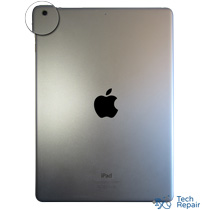
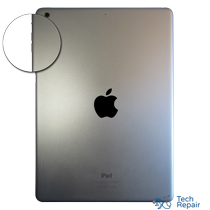
If your iPad won't turn on or the screen is too damaged to use, turn it over. Under the word "iPad" on the back there are a few lines of small print. Look for the word "Model" followed by an A and four numbers, for example Model A1954.
Text too small to read?
Open the camera on your smartphone, point it at the small print on the back of your iPad and zoom in. You can also take a photo and zoom in on the picture. Good lighting helps, so try it near a window or a lamp.
iPads that look like the iPad 2018:
iPad (5th generation, 2017): A1822 & A1823
iPad (6th generation, 2018): A1893 & A1954
iPad (7th generation, 2019): A2197, A2200 & A2198
iPad Air 2: A1566 & A1567
iPad Pro (9.7-inch): A1673, A1674 & A1675
If your model number isn't A1893 or A1954, find your iPad on our iPad repair page. Still not sure? Call or text us at (949) 903-6452 and we'll help you figure it out.