

iPhone 16 Pro Max Battery Replacement
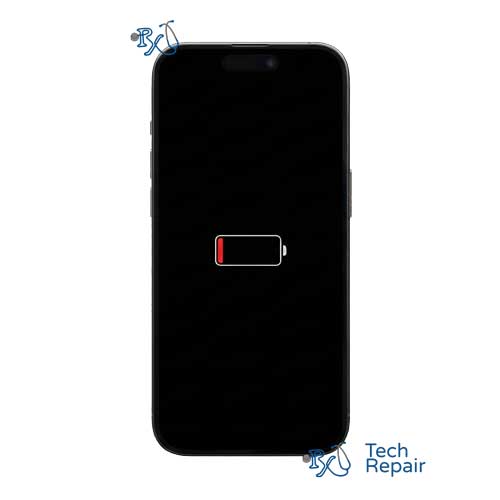
iPhone 16 Pro Max Battery Replacement
The iPhone 16 Pro Max features the largest internal lithium-ion battery in the lineup, designed to power the expansive display and A18 Pro chip. Over time, chemical aging can reduce the capacity of this battery, leading to shorter usage times between charges or unexpected shutdowns. We replace your degraded battery with a fresh, high-quality cell to restore peak performance.
Restoring Power and Longevity
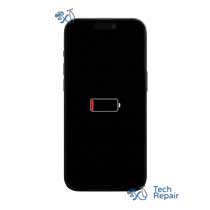
A healthy iPhone 16 Pro Max battery should provide up to 33 hours of video playback. If you find yourself tethered to a charger, or if your Battery Health settings show a "Service" message (typically under 80% maximum capacity), it is time for a replacement. Our service restores that all-day battery life you expect.
Get your iPhone fixed the same day in Orange County!
Live in OC? Come to our Mission Viejo store on the corner of La Paz and Marguerite and get your device fixed on the spot. Can't make it to us during normal business hours? You can drop off your phone in the door slot using a padded envelope and we will have it ready for you first thing next morning. Payment occurs after repair.
Not immediately close to us? Ship your device to us for a fix from anywhere in the United States.
If you'd like to send your device to us for a repair, simply purchase the repair above with the buy button and checkout with PayPal or a credit card. Send your device to us and we will take care of the rest. We accept shipments from anywhere in the US. We cover return shipping to you at no extra cost. Full shipping instructions can be found on the bottom of any page of our website under "Customer Service".
Let our experienced technicians fix your device.
Our technicians have done over 30,000 iOS device repairs so your iPhone is in good hands.
Not sure what repair you need?
If your phone is shutting down at 20-30%, getting hot while charging, or the screen is lifting due to a swollen battery, this repair is the solution. Diagnosis is free (excluding water damage). If you're unsure, bring it in for a quick, complimentary check-up. Not sure which phone you have? If your phone is still working, go to Settings>General>About and it'll tell you which device you have under Model Name.